




Ivybet App
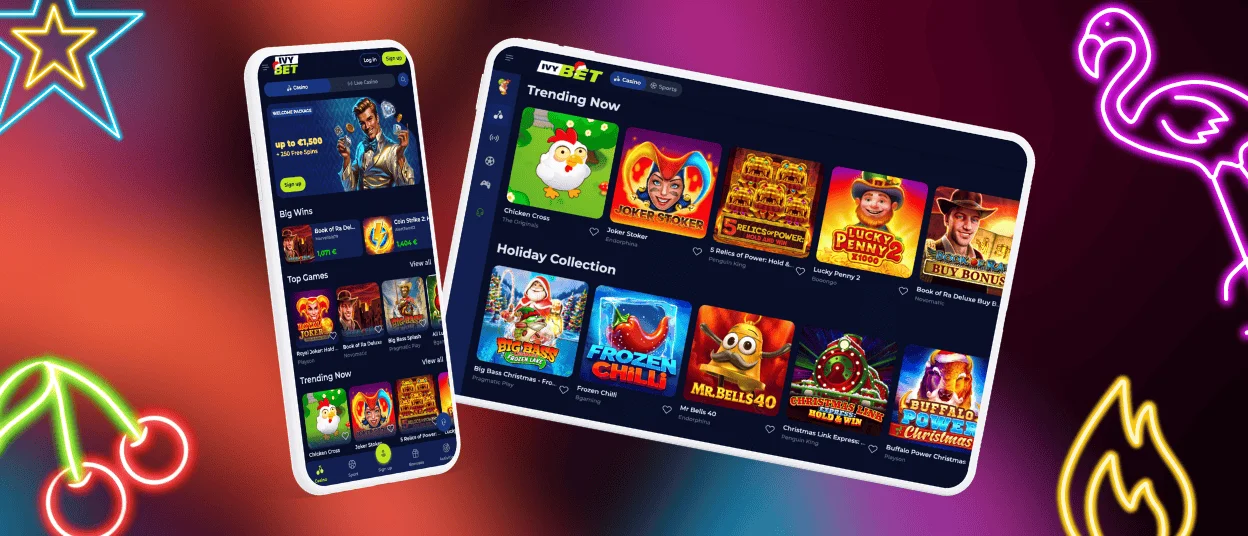
The Ivybet app is a convenient way to profit from the website’s gameplay while away from your desk. The software is optimized for all types of screens and works smoothly on both iOS and Android operating systems. Our Progressive Web App is easy to install and can be accessed directly from the official website.



Key Features of the Ivybet Casino App
Our mobile casino application is a Progressive Web App (PWA), meaning that it’s obtainable directly from our website without having to navigate through the App Store or Google Play. This format allows players to get software that can be installed and accessed in a matter of seconds. Also, the mobile version updates itself automatically in the background, meaning there’s no need to download additional files. The Ivybet app doesn’t take up much space on the user’s device.
Players can access the full functionality of our casino via the app, including games, payments, and account management tools. The Ivy Bet interface is fast and responsive because it is optimized for all screen sizes. Even during long sessions, the performance stays at a high level.
Here are the key advantages:
| Key advantage | Details |
| Fast installation | The software gets added to the home screen in a few seconds. |
| Lightweight design | The PWA takes up minimal storage. |
| Cross-device compatibility | Works smoothly on all devices on both iOS and Android operating systems. |
| Stable performance | Ensures fast loading times. |
| Full functionality | Provides access to all the casino’s features. |
Quick Setup and Access Across All Devices
It is easy to access the Ivybet app, so after you download it, you can start using it right away. After installation, just tap on the icon and go through the login process. After entering your credentials, you can go to the casino in a few instants. Whether you’re using iOS, Android or the desktop version of the software, you can log in using the same account for all the connected devices.
Ivybet Casino App for Android
Our goal was to provide a smooth and rapid gaming experience for all Android users through the Ivybet app. The software downloads via the official website and gets added to the home screen. The interface is fully optimized for Android, ensuring rapid performance and quick loading of all activities.
Here’s how to get started:
- Open your browser and go to Ivybet.
- At the bottom of the page, find the menu.
- From the menu, you need to select “Add to Home Screen.”
After that, the software will be added to your home screen. When you tap on the icon of Ivybet, you can begin playing right away. There is no need for additional downloads or updates. You will have instant access to all games, payments and other features of the Ivy Bet Casino.
Ivybet Casino App for iOS
The iOS software is fully optimized for iPhones and iPads. The experience is responsive, occurring via the browser. There’s no need to go to the App Store to get the application; the download procedure for iOS devices is almost the same as for Android.
To obtain the software, open Safari and navigate to the Ivybet Casino website. At the bottom of the page, find the “Share” button and tap on it. Then, select “Add to Home Screen.” You will be asked to give a name to the shortcut icon. After that, it will appear on your home screen. To start playing, click on the Ivy Bet icon and enter your credentials.

Ivybet Casino Application for Windows and macOS
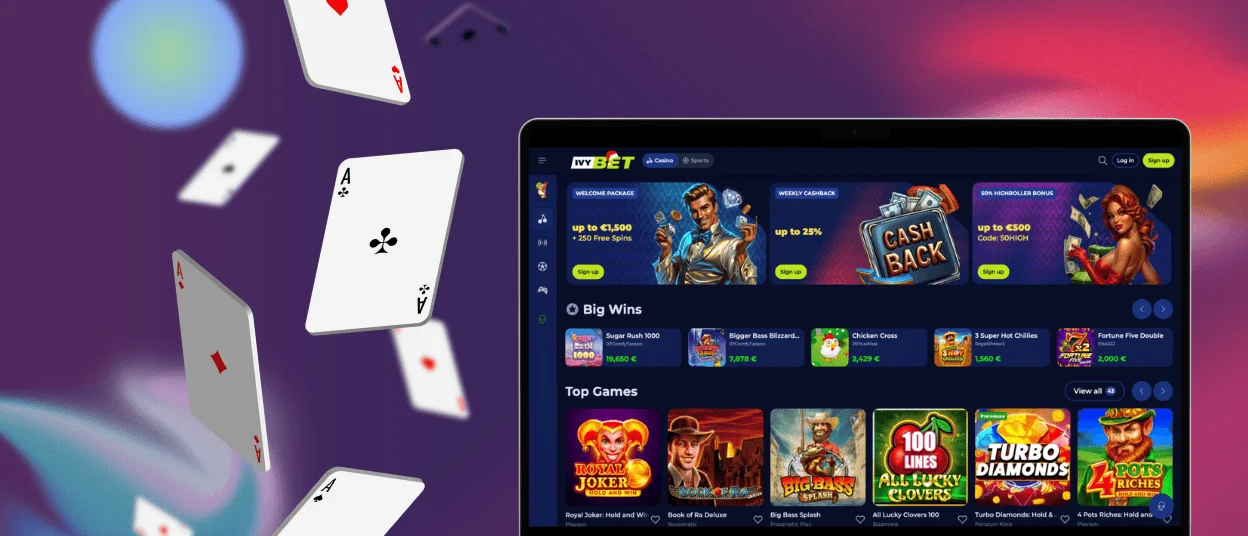
Besides being available on portable devices, the Ivybet app is also compatible with desktop computers. You can get the software on your PC if it runs on Windows or macOS. The point of the program for desktop is to facilitate access to the site’s features and make the experience more enjoyable and faster.
We kept the same structure in the mobile software as in the browser version, while offering quicker access to all the activities. All the key features remain easily accessible, including games, deposits, withdrawals, and the customer support team via live chat. The Ivy Bet app gets launched via the desktop and eliminates the need to navigate between several tabs. It is a practical option for longer sessions.
FAQ
Do I need to download the app from the App Store or Google Play?
No. There’s no need to get the Ivy Bet program via the App Store or Google Play since it’s obtainable right from the official website. You only need to download the software to your home screen.
Can I use the same account on different devices?
Absolutely. The software supports cross-device compatibility. You can use the same Ivy Bet account on multiple platforms.
Will I receive notifications about bonuses and promotions in the app?
Yes. The Ivybet Casino PWA works in the same way as any other application. You can receive updates and notifications about ongoing promotions and other activities on the platform.
Can I play live casino games in the Ivybet Casino app?
Sure. All the games available on the website are the same as in the mobile software. You can access all live casino games, online slots, instant games and other activities.
Can I withdraw via the app?
Yes. You can make withdrawals via the mobile app. However, if you’re a new user, make sure that you’ve gone through the verification process.


